

Where to find it
Sign in, open the menu, and select Contact Info. Everything on your account is listed with an Edit button beside it.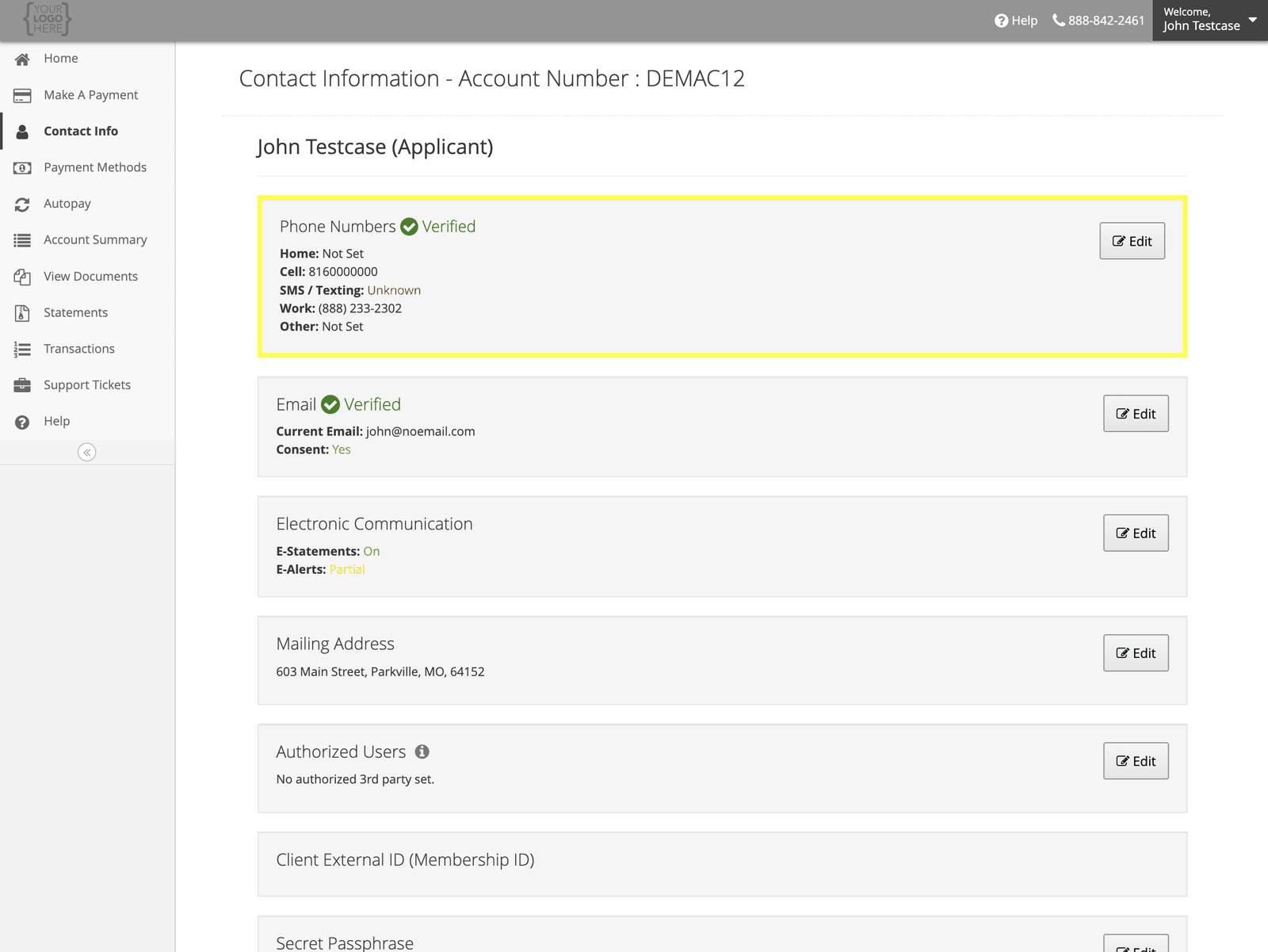
Phone numbers
Select Edit beside Phone Numbers. You can record a home, cell, work, and other number, and mark one as Primary.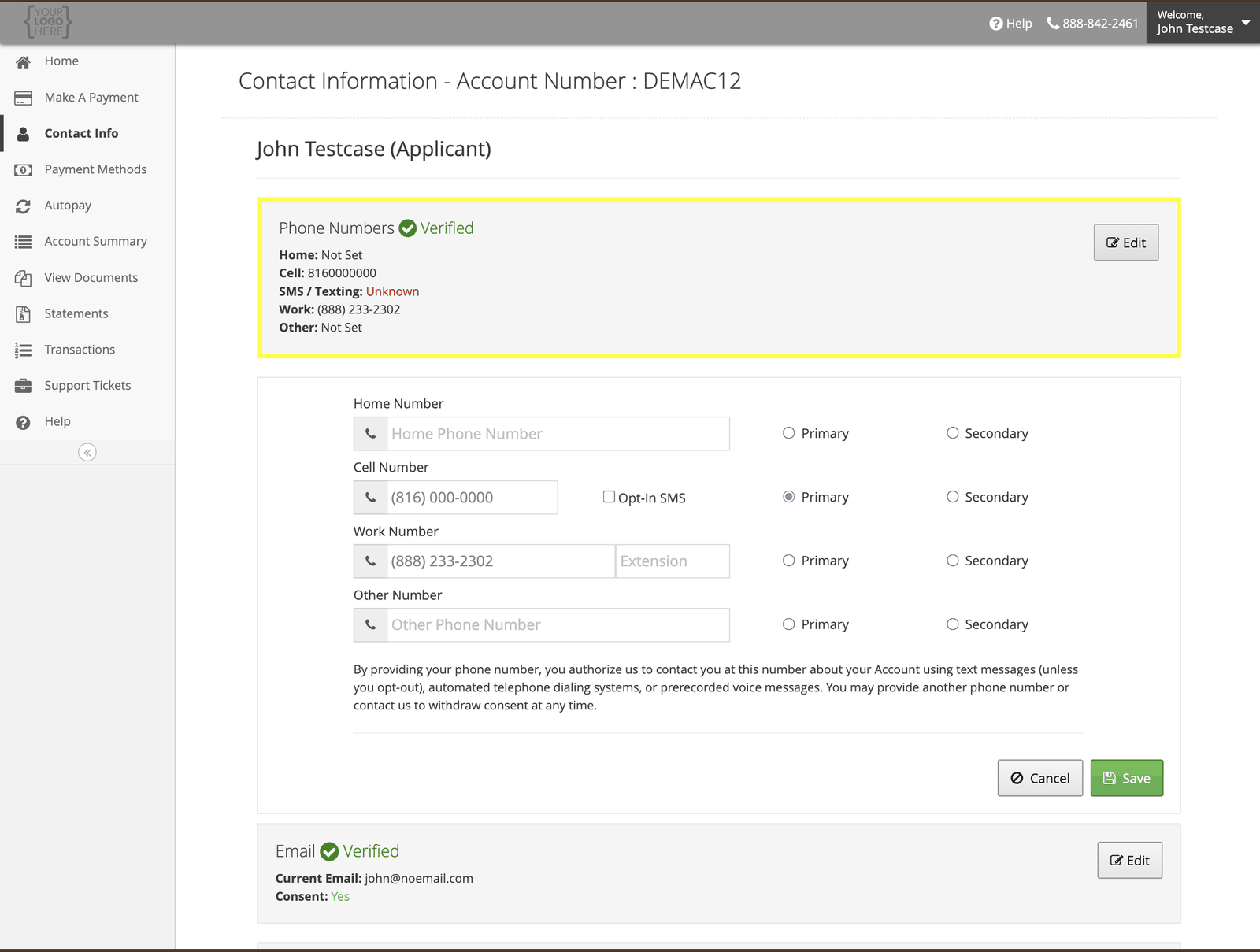
Adding a phone number authorizes us to contact you on it about your account — including by text
message unless you opt out, and by automated dialling or prerecorded voice. You can remove a
number or withdraw consent at any time. See
How and when we contact you.
Email address
Select Edit beside Email. Your email is how we send statements and alerts if you have gone paperless, so keep it current.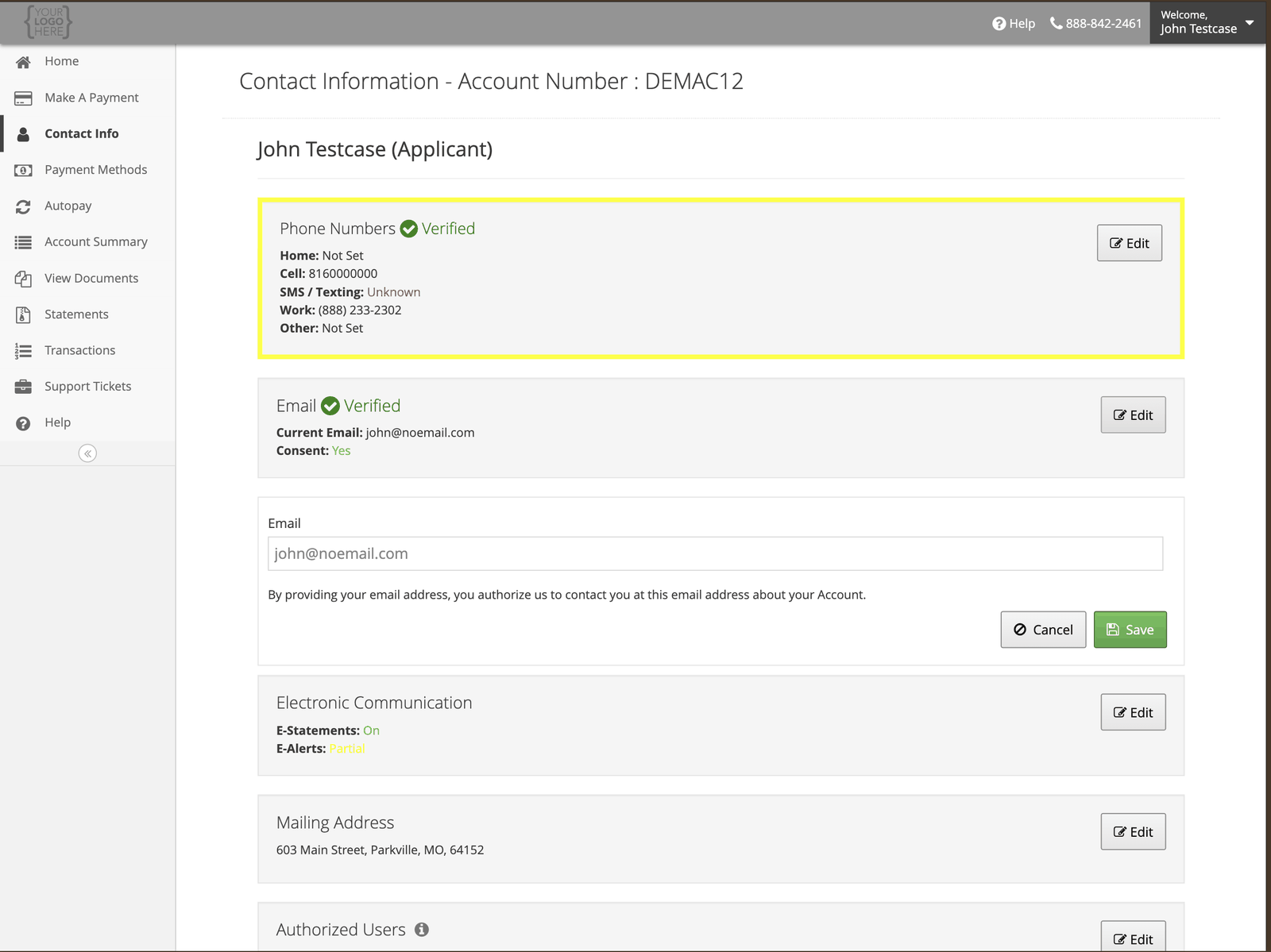
Mailing address
Select Edit beside Mailing Address. This is where paper statements and any correspondence go.What you cannot change here
Your name, date of birth, and Social Security Number are not editable online, because changing them changes who the account belongs to. Those need documentation — see Changing your personal information.While you’re here
Alerts and paperless statements
Turn on alerts for payments, fees, and a promotional period about to expire.