

The eight alerts
The first two are the ones that can save you money. Both warn you before something costs you,
while you can still act.
When the two warning alerts arrive:
The rest follow the event — a payment posting, a fee being charged, a payment being declined — and
arrive the next day. The AutoPay reminder comes 3 days before the payment is taken.
Turning them on
Alerts and electronic statements are set up together, in a five-step process. Sign in, open Contact Info, and select Edit beside Electronic Communication, then Enroll.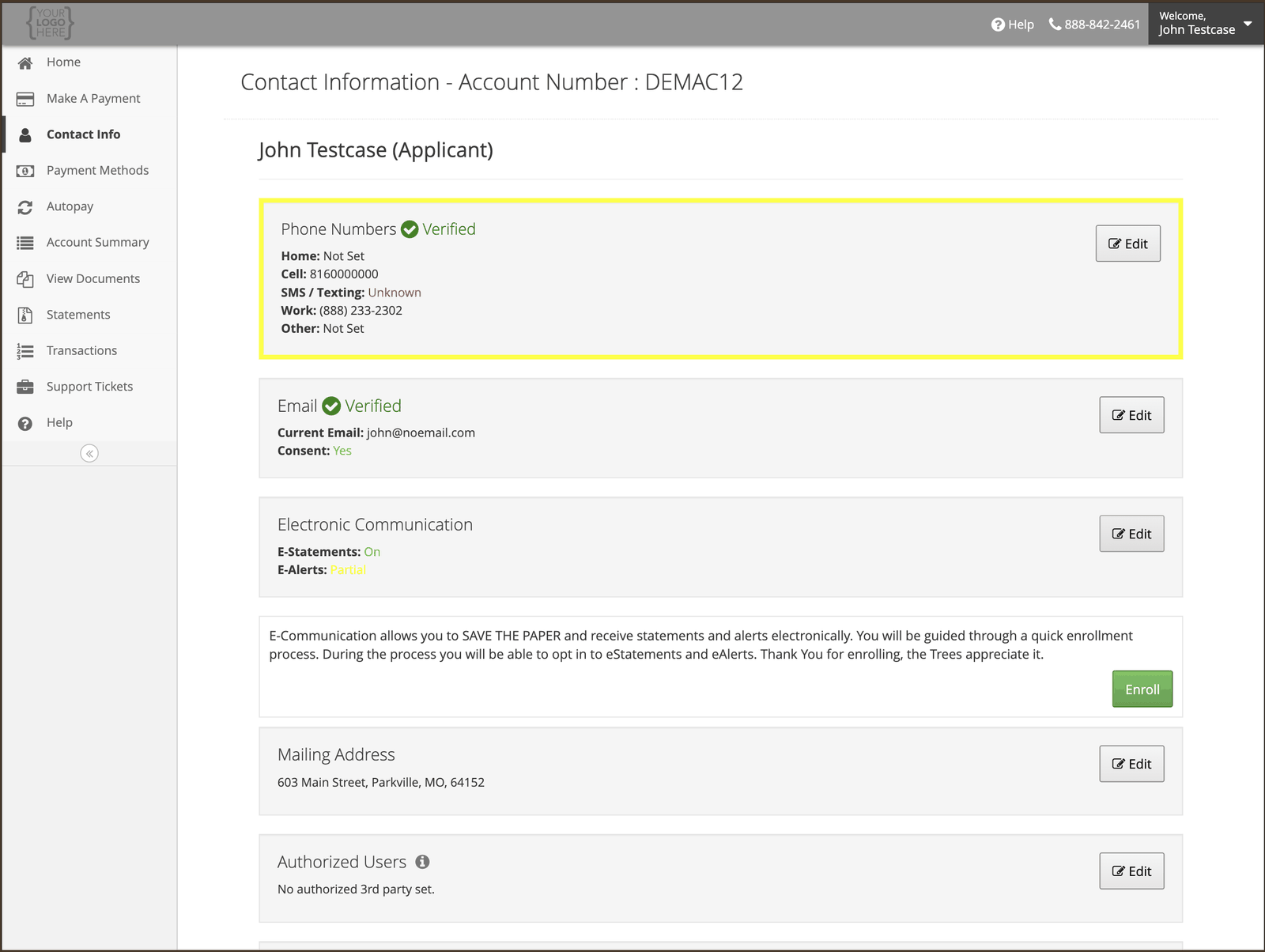
1
Read and accept the E-Sign consent
Federal law entitles you to receive certain information on paper. Consenting to electronic
records is how you agree to receive it by email instead.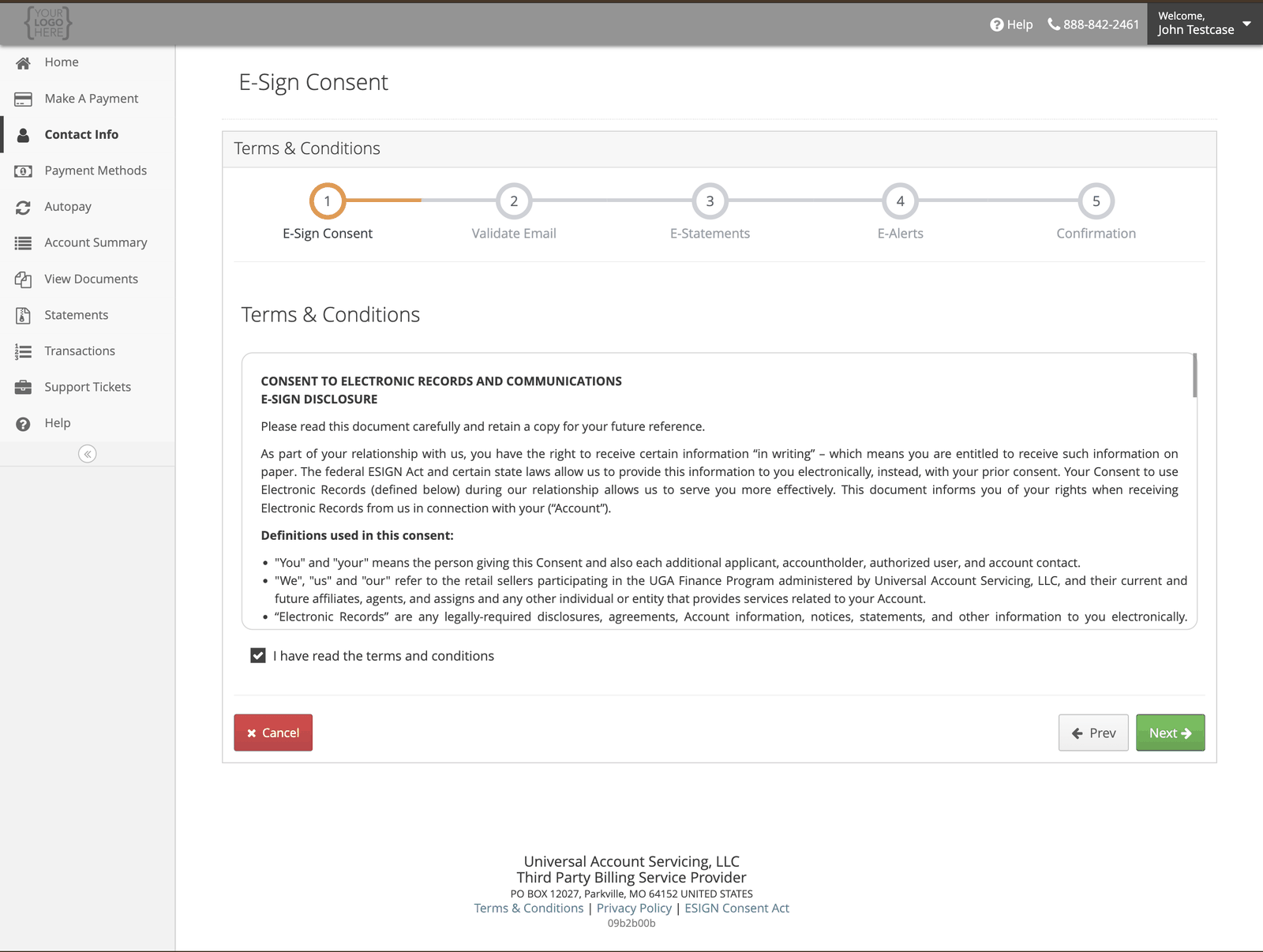
2
Confirm your email address
Everything electronic goes to this address, so check it is one you read. You can change it here
if it is out of date.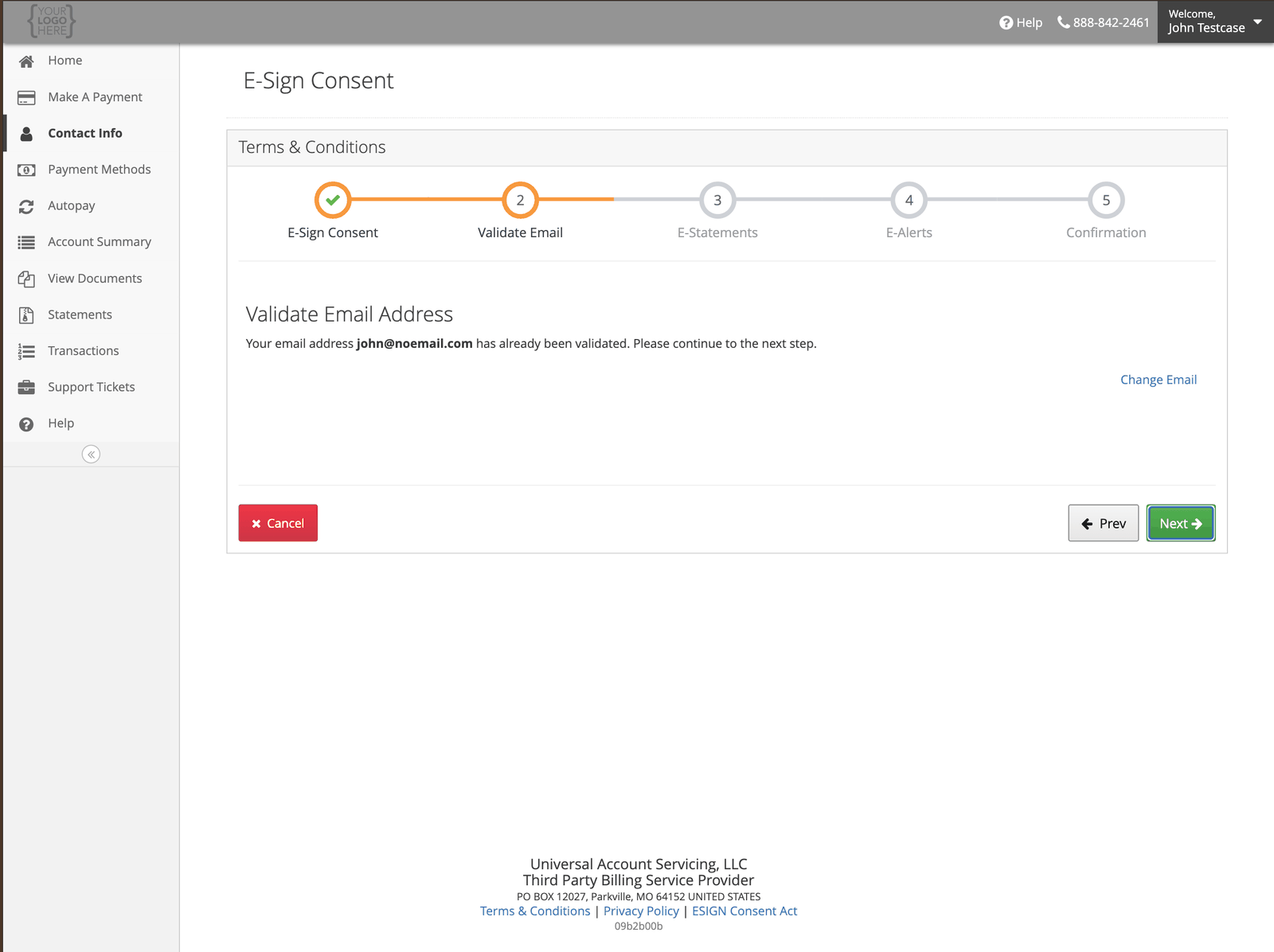
3
Choose electronic statements
You will get an email when each statement is ready, and can read or print it in the portal at
any time.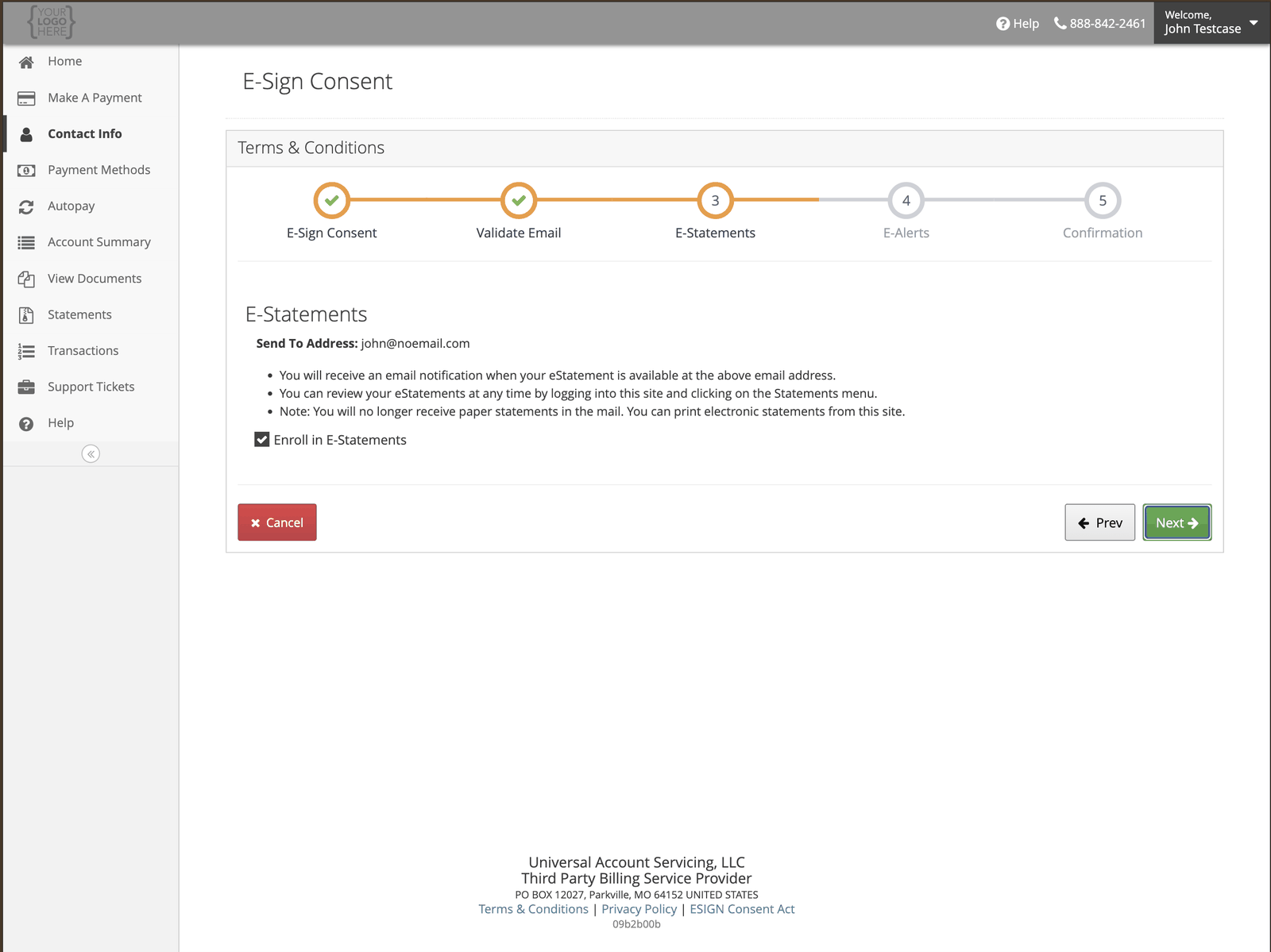
4
Choose your alerts
All eight are switched on by default. Turn off any you do not want.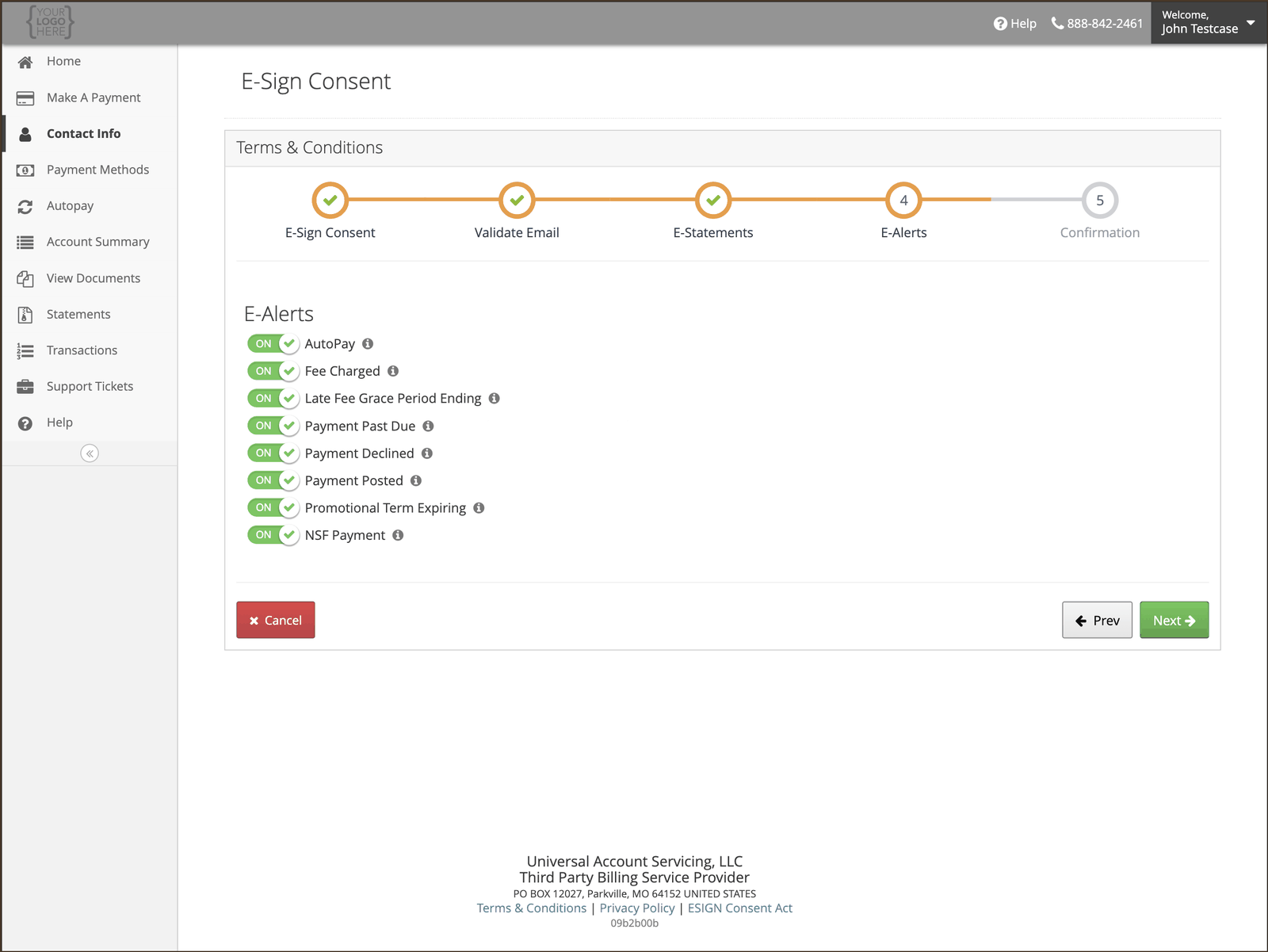
5
Finish
Your settings apply from your next statement or alert.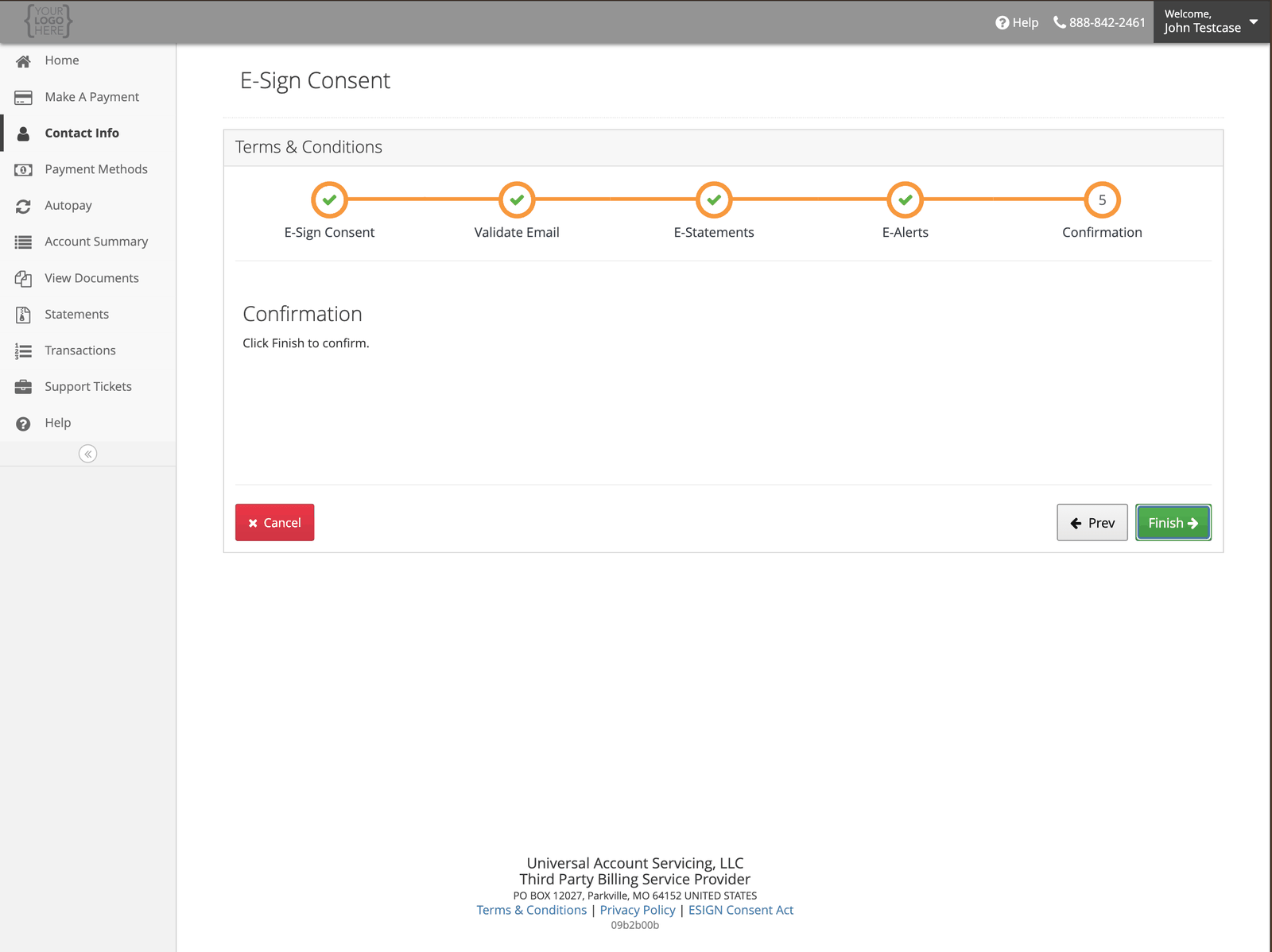
What you need to receive records electronically
The consent asks you to confirm you can actually open and keep what we send. You need internet access, a current browser, Adobe Acrobat Reader or something else that opens PDFs, enough storage to save them, a working email address, and a device that supports all of that. You also agree to keep your email address up to date — see Updating your contact information. If our emails stop reaching you, that is the usual reason.A new email address has to be verified before it is used. We send a code or a link to confirm
the address belongs to you. Until that happens, electronic delivery does not start.
Anyone who can open your inbox can read your account emails. They contain your name, account
information, your balance and your due date. They never contain your full Social Security Number.If you share an email address or a household computer, that is worth knowing before you switch off
paper.