

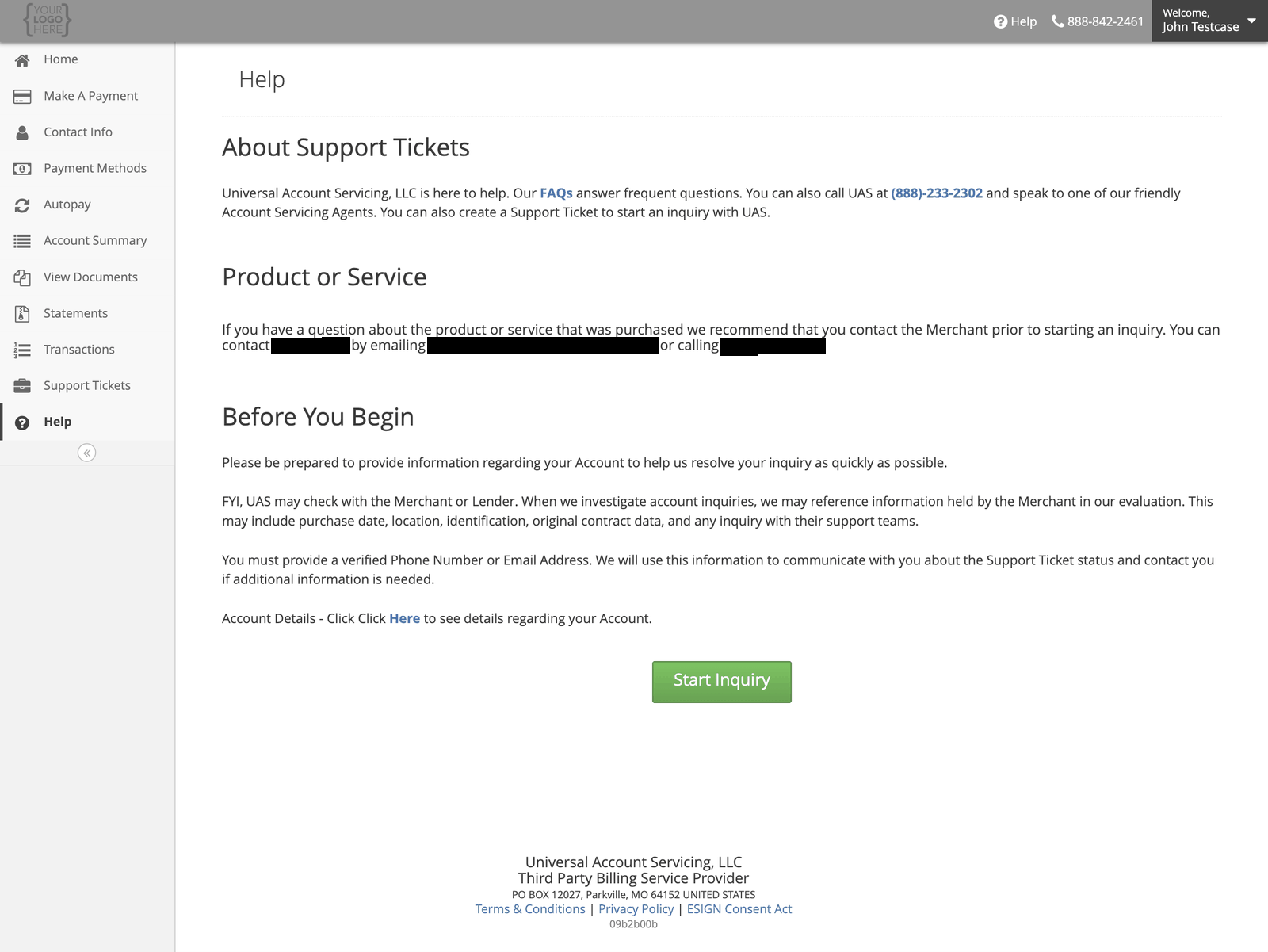
Before you start
Have your account details to hand, and a verified phone number or email address on your account — that is how we come back to you.We may check with the business you bought from. When we look into an account question we can
reference what they hold: purchase date, location, identification, the original contract, and any
contact you have had with their support team.
Choosing a category
The category shapes who looks at it, so pick the closest one.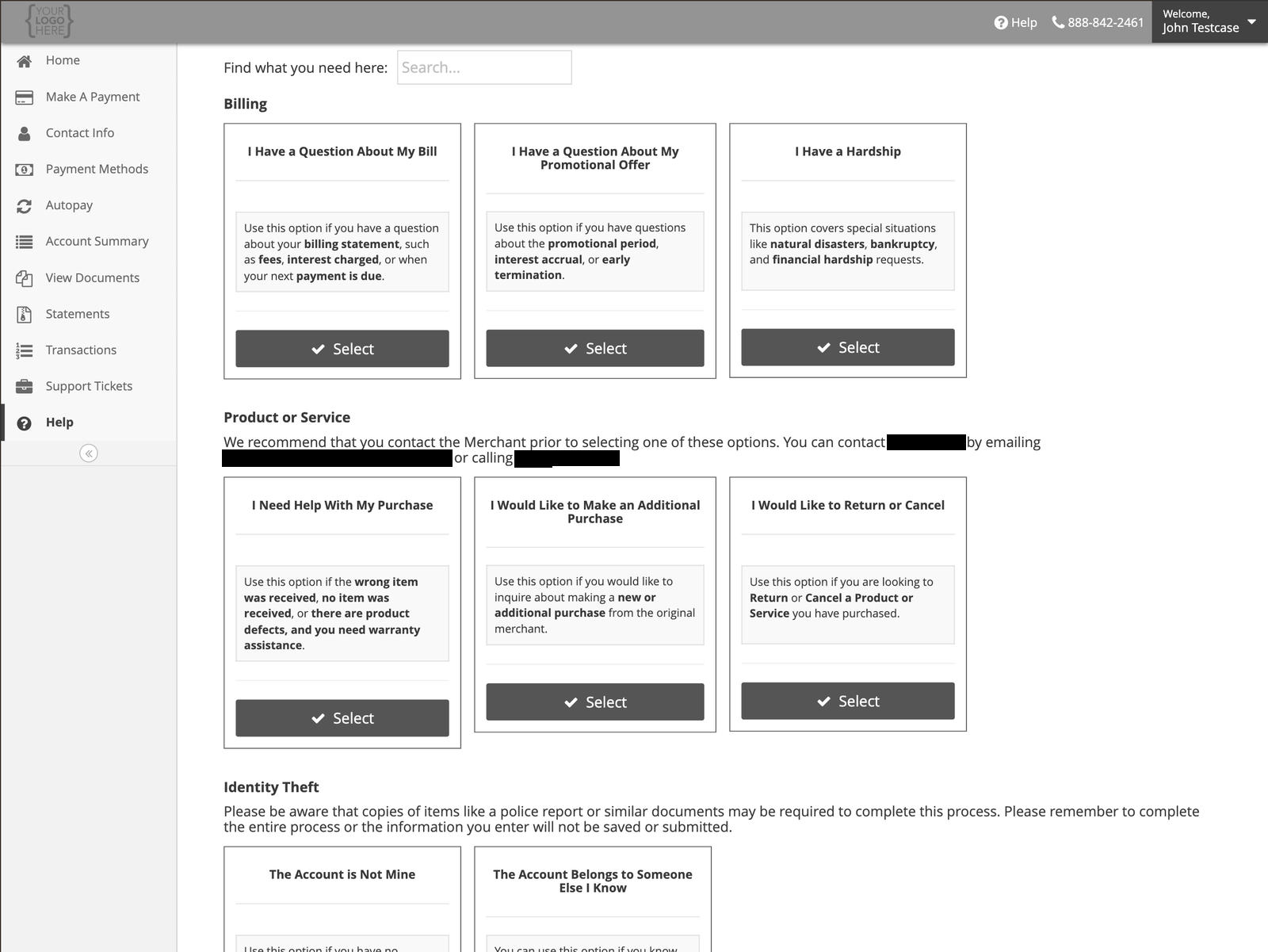
Billing
Product or service
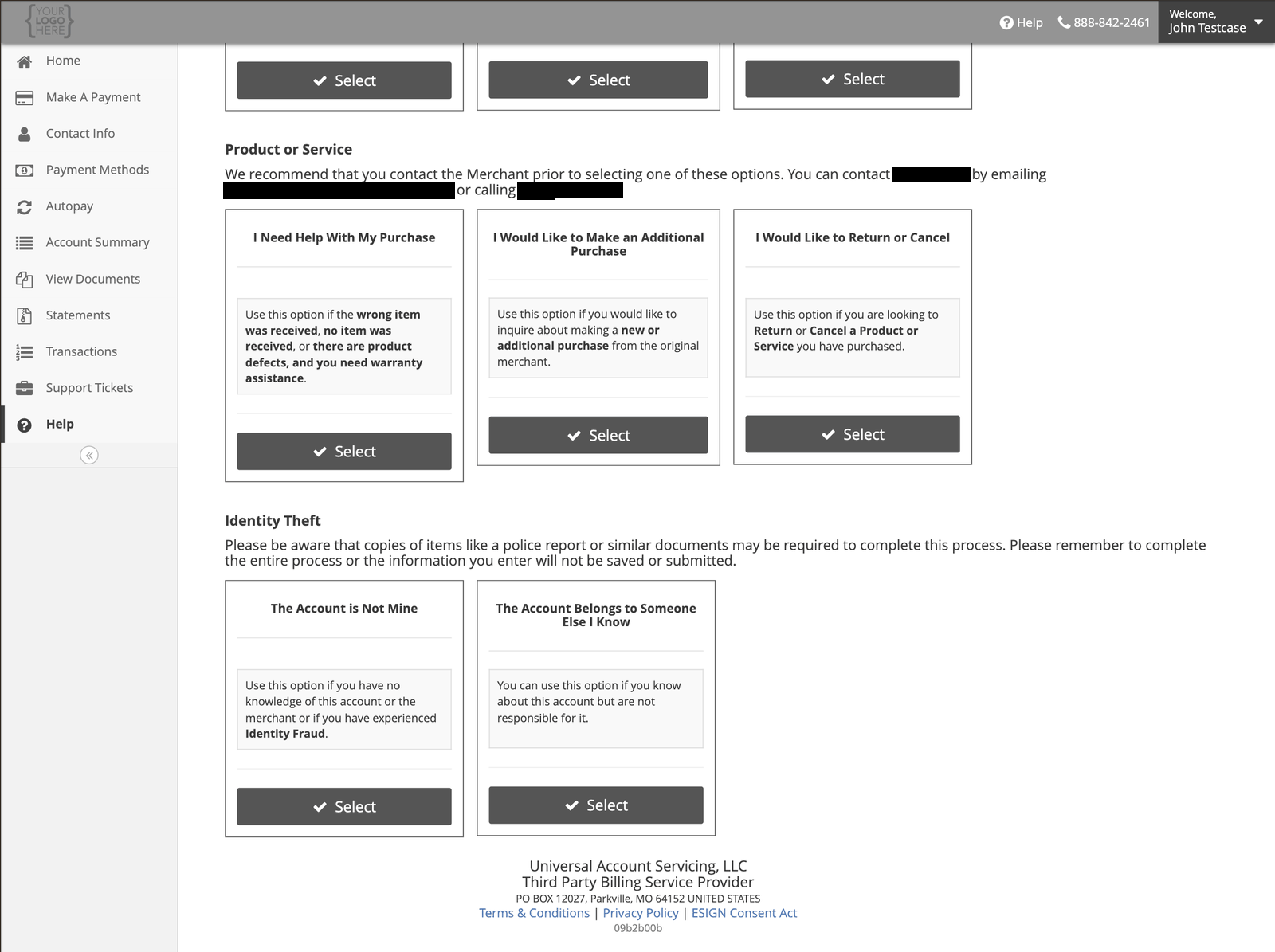
Questions about what you actually bought. Contact the business you bought from first — they hold the goods, the warranty and the returns process. Their details are shown on the Help page.Identity theft
What happens next
Your request is logged, we gather what is needed, and it follows the resolution process for your account type. You will get email updates as it progresses, and you can see open and closed requests under Support Tickets.How long it should take
If your request is about something the business you bought from has to decide — a return, a
cancellation, a product fault — most of that time is theirs, not ours. The ticket shows you where it
is sitting.
If it is taking too long, or the answer is wrong
You can escalate the request from the portal, or in writing. You have to wait until the day after you opened it — you cannot escalate the same day. If you disagree with the resolution you are given, you can dispute it, in the portal or in writing. A dispute is looked at by someone other than the person who answered it, and the aim is a final response within 7 business days. Some are extended; you should be told if yours is. Both of these are normal, and using them does not put you at the back of a queue.If it is urgent
Call instead. A scheduled payment that needs stopping, or a sign-in problem the day a payment is due, should not wait for a queue.Contact us
Monday to Friday, 7:00 AM – 7:00 PM Central.