You have an Account Number and an Access Code — not a username and password. Both were
assigned to you when your contract was signed.The sign-in screen shows both sets of labels because businesses that offer financing sign in on
the same page. Put your Account Number in the Username/Account Number box, and your Access
Code in the Password/Access Code box.
Sign in
1
Go to the sign-in page
Open uportal360.com/login.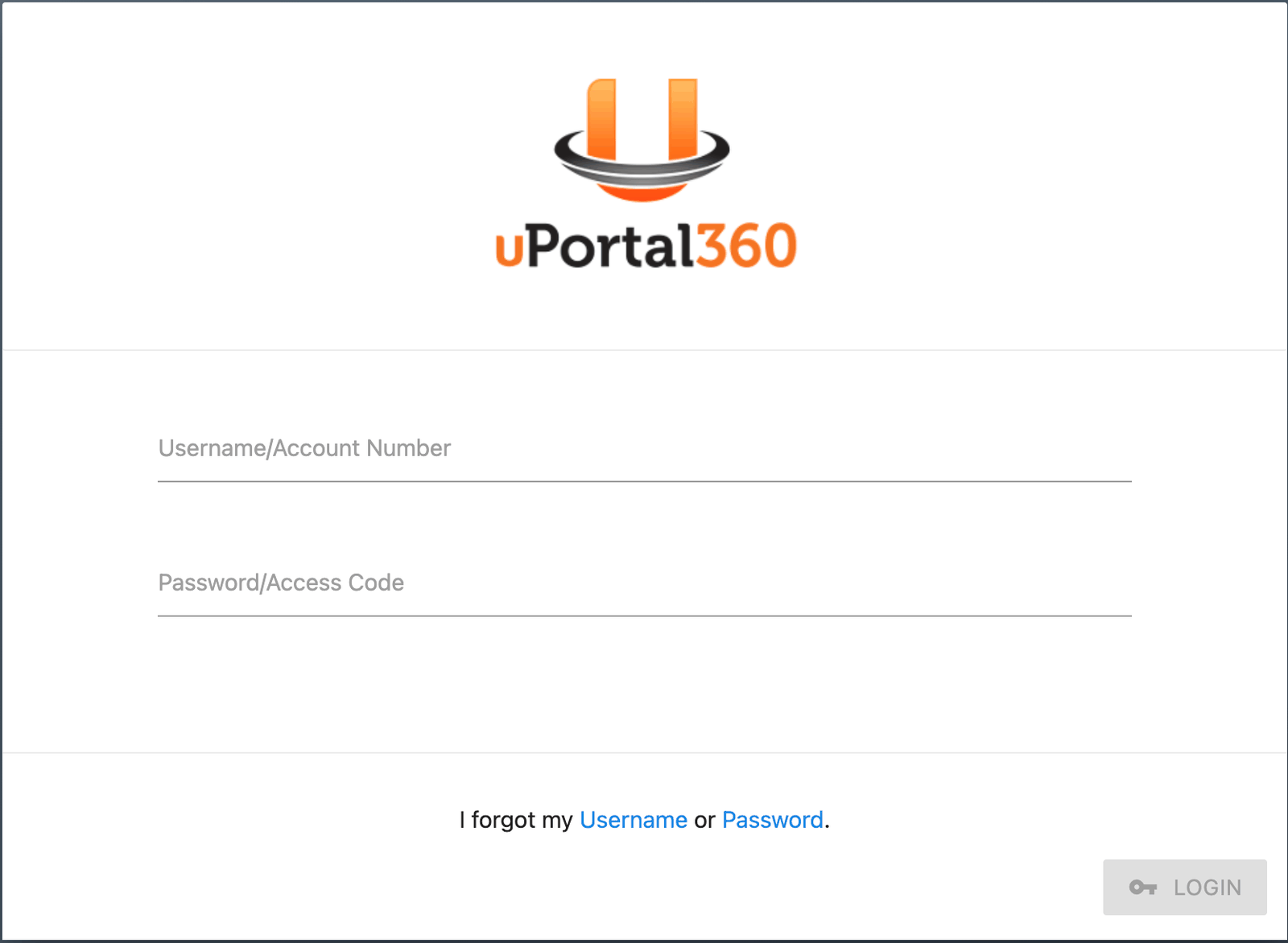
2
Enter your Account Number and Access Code
Your Account Number looks something like
A1B2C34LOA01. Your Access Code is numeric.Don’t have them? See Finding your Access Code.3
Choose Consumer if you are asked
If you are asked to select a role, choose Consumer (Account Payments). The other option is
for businesses that offer financing.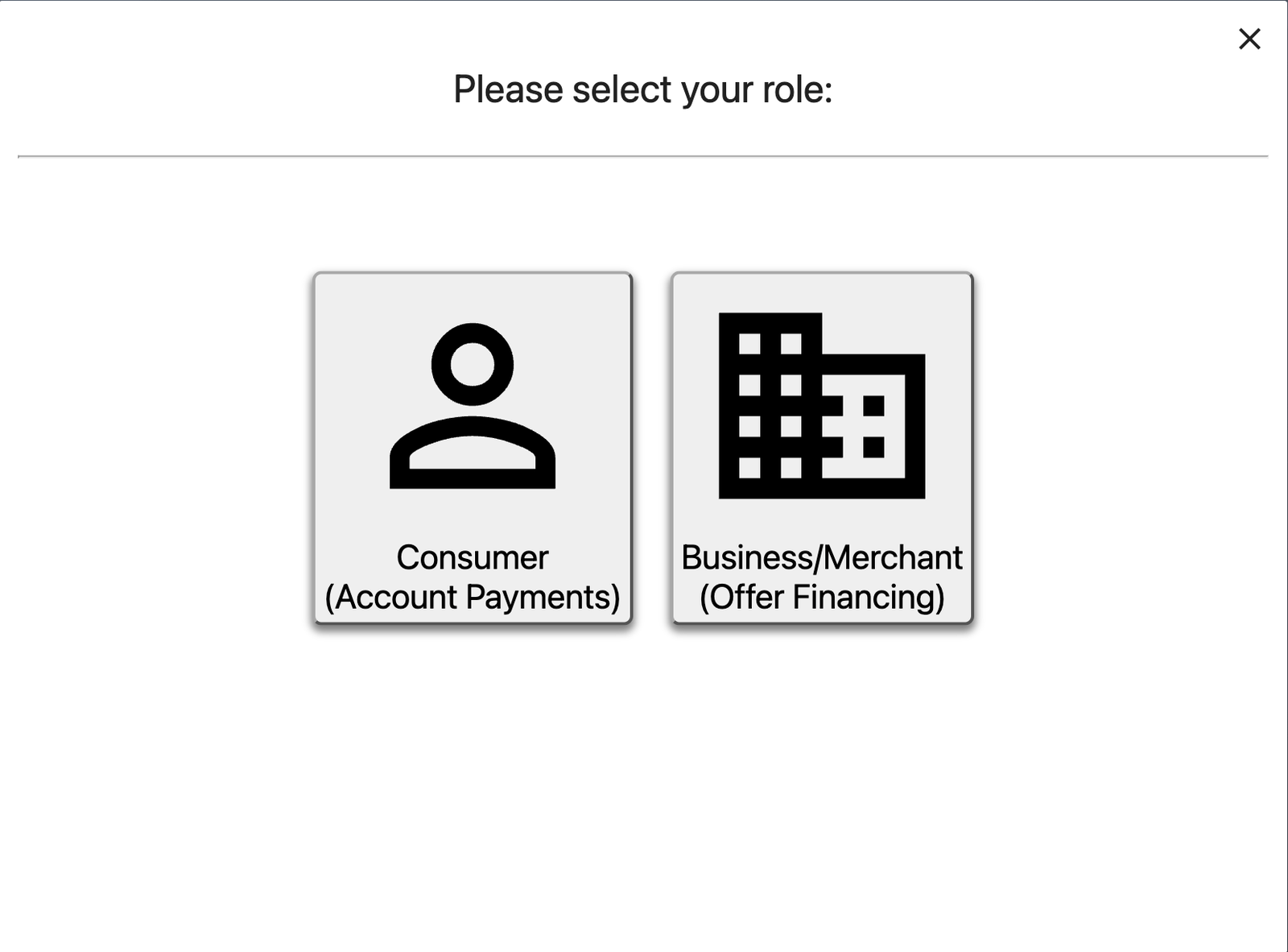
4
Answer the security question
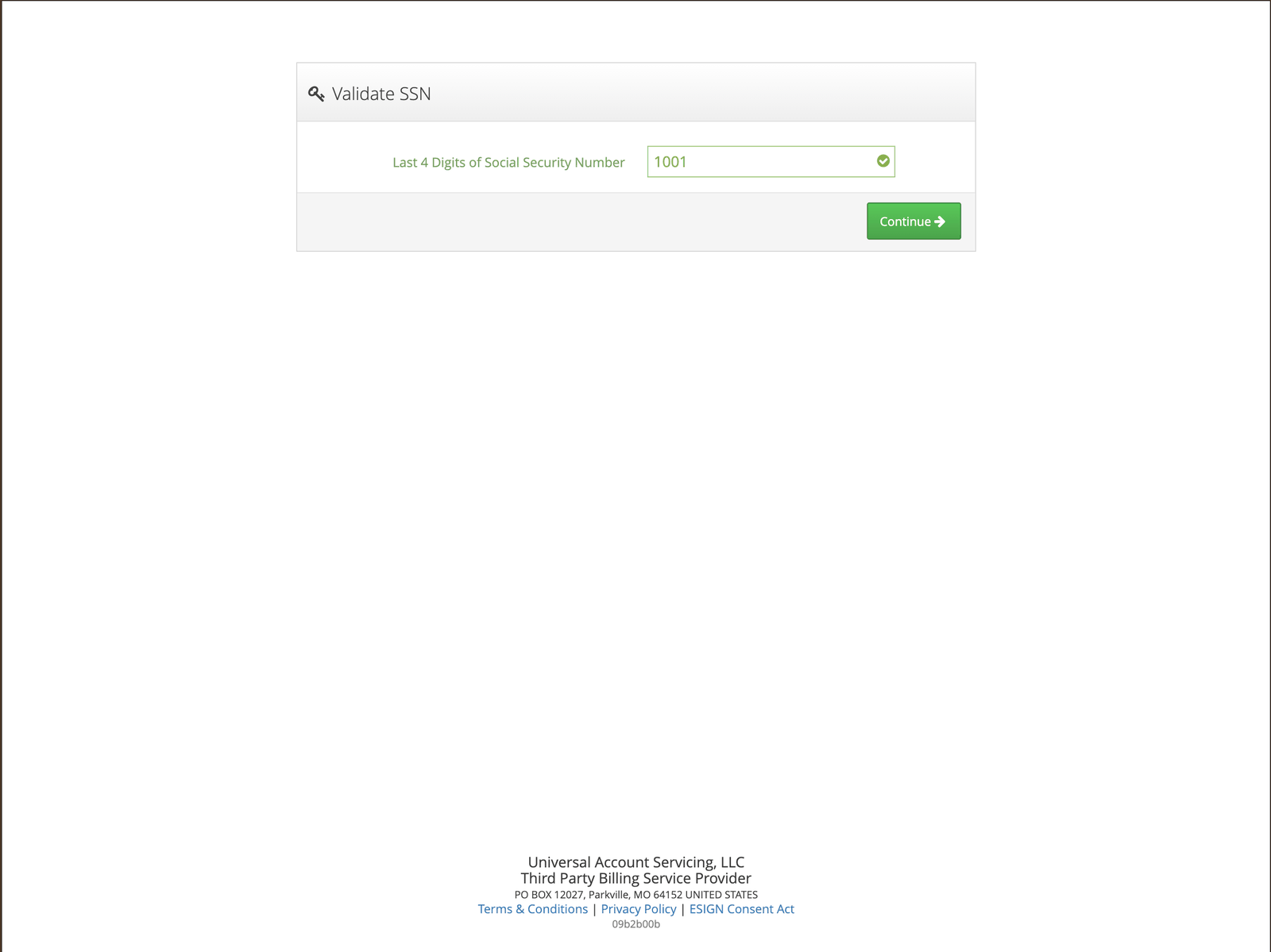
You will be asked to confirm your date of birth. If you would rather answer something else,
select Answer a Different Question and confirm the last four digits of your Social
Security Number instead.